What Is Web Design? A Beginner’s Guide for Students & Creators
In today’s digital world, every business, school, and creator needs a website.
That’s where web design comes in — the process of creating beautiful, user-friendly, and functional websites.
What Is Web Design?
Web design means planning and creating the layout, colors, images, fonts, and overall look of a website.
It’s not just about making things pretty — it’s about designing an experience that helps users find what they need easily.
Key Elements of Web Design
- Layout – How content is arranged on a page.
- Color Scheme – Choosing colors that match the brand or message.
- Typography – The style and size of text that makes it readable and appealing.
- Images & Graphics – Using visuals to make the website engaging.
- Navigation – Menus and links that help users move around easily.
- Responsiveness – The design should work on both mobile and desktop screens.
Tools Used in Web Design
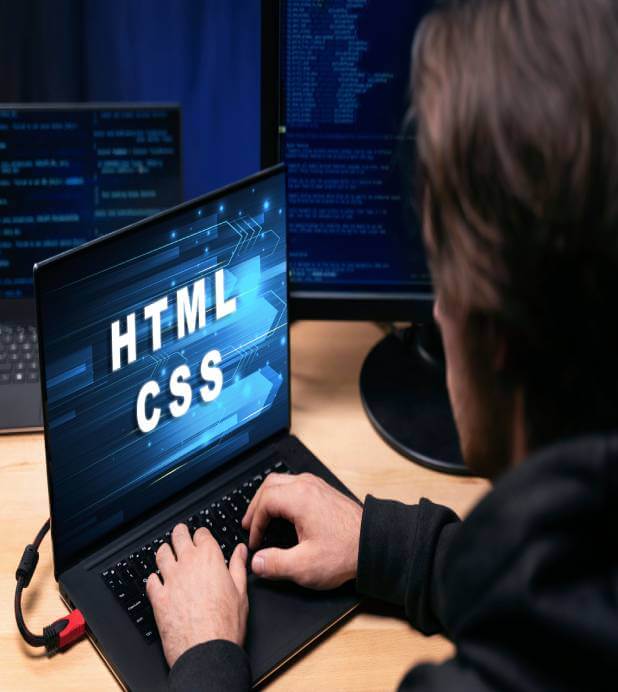
- HTML – The structure of the website.
- CSS – The styling (colors, fonts, and layouts).
- JavaScript – Adds interactivity and motion.
- Design Software – Figma, Adobe XD, or Canva for mockups and layouts.
- WordPress / Wix – Platforms to build sites without coding.
Why Web Design Matters
- Builds first impressions for your visitors.
- Improves user experience (UX).
- Helps in SEO (Search Engine Optimization).
- Increases business credibility.
- Supports branding and communication.
Career Opportunities in Web Design
Web design is a great skill for students and freelancers.
Here are some related career options:
- Front-End Developer
- UI/UX Designer
- Web Graphic Designer
- WordPress Developer
- SEO Specialist
How to Start Learning Web Design
- Start with HTML, CSS, and JavaScript basics.
- Practice designing simple web pages.
- Explore Figma or Canva for design layouts.
- Learn responsive design using Bootstrap or Tailwind CSS.
- Try building your own portfolio website on WordPress.
Basic Web Design Tutorial step by step
Categories: